
 Merge PDF
 Extract Pages
 Delete Pages
 PDF Multi Tool
 Compress PDF
 Repair PDF
 OCR PDF
 PDF to Word
 PDF to Excel
 PDF to PowerPoint
 PDF to JPG
 PDF to PNG
 PDF to WebP
 PDF to PDF/A
 Rasterize PDF
 Word to PDF
 Excel to PDF
 PowerPoint to PDF
 Images to PDF
 JPG to PDF
 PNG to PDF
 WebP to PDF
 PSD to PDF
 HEIC to PDF
 Markdown to PDF
 EPUB to PDF
 MOBI to PDF
 FB2 to PDF
 CBZ to PDF
 DJVU to PDF
 XPS to PDF
 ODT to PDF
 RTF to PDF
 TIFF to PDF
 Rotate PDF
 Add Page Numbers
 Crop PDF
 Form Creator
 Edit PDF
 Protect PDF
 Unlock PDF
 Sign PDF
Supported: PDF
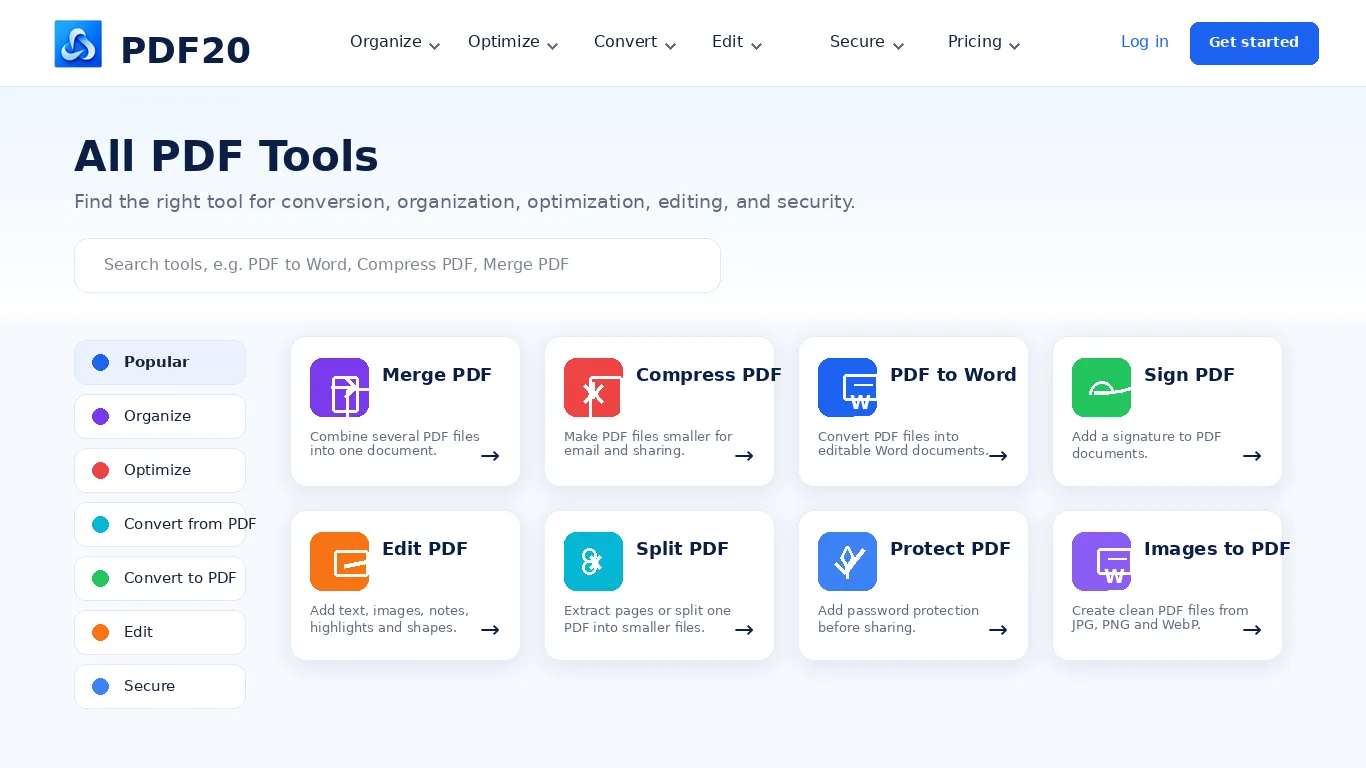
Popular PDF Tools
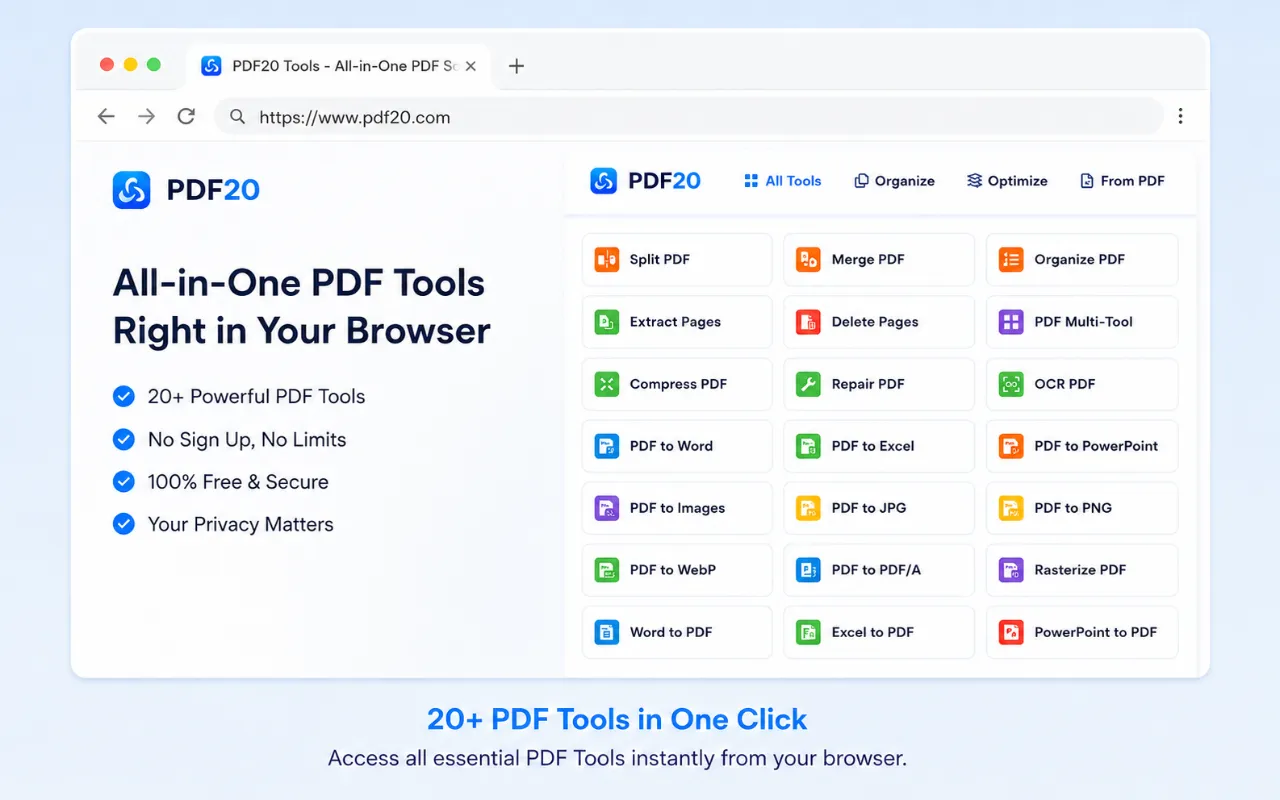
Why use PDF tools in your browser?
PDF20 gives you a practical way to handle everyday documents without installing desktop software. Open a modern browser on Windows, macOS, Linux, ChromeOS, a tablet, or a phone and choose the task you need.
Work with PDFs, Word documents, Excel spreadsheets, PowerPoint presentations, and common image formats from one place. Choose a file on the homepage, select the format you need, then continue to the matching tool to review its options and process the document.
- No software installation or manual updates
- Focused tools for converting, organizing, optimizing, editing, and protecting PDFs
- A familiar workflow across desktop and mobile browsers
 PDF to Images
Export PDF pages as JPG, PNG, WebP, or BMP images.
PDF to Images
Export PDF pages as JPG, PNG, WebP, or BMP images.
 Add Watermark
Place text or image watermarks with flexible position and opacity.
Add Watermark
Place text or image watermarks with flexible position and opacity.
 Organize pages
Reorder, rotate, add, or remove pages in one focused workspace.
Organize pages
Reorder, rotate, add, or remove pages in one focused workspace.
 Split PDF
Divide a PDF by page range, individual pages, or fixed-size groups.
Split PDF
Divide a PDF by page range, individual pages, or fixed-size groups.
Fast, focused workflows for everyday PDF tasks
Each PDF20 tool is built around one clear job. Choose a file, review the available options, process it in your browser, and download the result without learning a complicated document editor.
Export PDF pages as images, add a visible watermark, rearrange pages, or split a document into smaller files. Separate tools keep the controls relevant to the task while the overall experience stays consistent.
PDF20 Browser Extension
Use the PDF20 tool anytime with the Chrome, Edge, or Firefox browser extension.
- Install the extension
- Open PDF20 from the toolbar
- Choose a tool
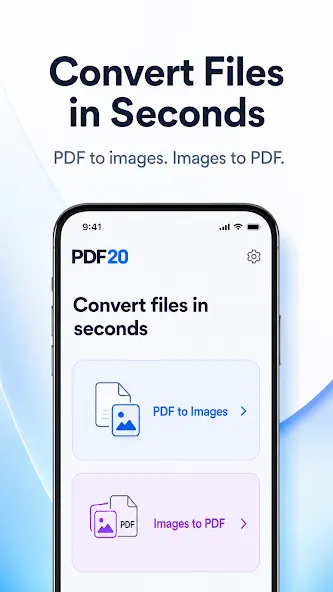
PDF20 - Convert PDF and Images
Convert PDF pages to images or combine multiple images into a PDF with a simple Android app.
- Convert PDF pages to images
- Combine images into PDF
- Preview before converting
PDF20 Desktop App for Windows
Keep everyday PDF tools within easy reach on your Windows PC.
- Convert PDF files
- Create PDF documents
- Organize PDF pages
PDF20 for Google Workspace
Open popular PDF20 tools quickly from a convenient Google Workspace sidebar.
- Popular PDF shortcuts
- Browse by category
- Search for a tool
PDF20 Plugin for Adobe Photoshop
Import PDF pages and export Photoshop documents without leaving your Photoshop workspace.
- Import PDF pages your way
- Control PDF rasterization
- Export Photoshop documents

Security & Privacy
- ✓ Your files are processed locally in your browser for supported tools.
- ✓ Your files are not uploaded to PDF20 servers for conversion.
- ✓ The processed result is created on your device.
- ✓ Avoid sensitive documents on public or shared devices because browser cache may keep local data.
- ✓ Review the Security and Privacy pages for details before handling confidential files.

Pricing Plan
Start free and upgrade when you need more. Choose the PDF20 plan that works best for you.
Premium
- Work with larger documents
- More processing tasks
- Customer support
Unlimited
- Unlimited document size
- Unlimited document processing
- Customer support