
 Split PDF
 Merge PDF
 Organize PDF
 Extract Pages
 Delete Pages
 PDF Multi Tool
 Compress PDF
 Repair PDF
 OCR PDF
 PDF to Word
 PDF to Excel
 PDF to PowerPoint
 PDF to Images
 PDF to JPG
 PDF to PNG
 PDF to WebP
 PDF to PDF/A
 Rasterize PDF
 Word to PDF
 Excel to PDF
 PowerPoint to PDF
 Images to PDF
 JPG to PDF
 PNG to PDF
 WebP to PDF
 PSD to PDF
 HEIC to PDF
 Markdown to PDF
 EPUB to PDF
 MOBI to PDF
 FB2 to PDF
 CBZ to PDF
 DJVU to PDF
 XPS to PDF
 ODT to PDF
 RTF to PDF
 TIFF to PDF
 Rotate PDF
 Add Page Numbers
 Add Watermark
 Crop PDF
 Form Creator
 Edit PDF
 Protect PDF
 Unlock PDF
 Sign PDF
PDF20 - Convert PDF and Images
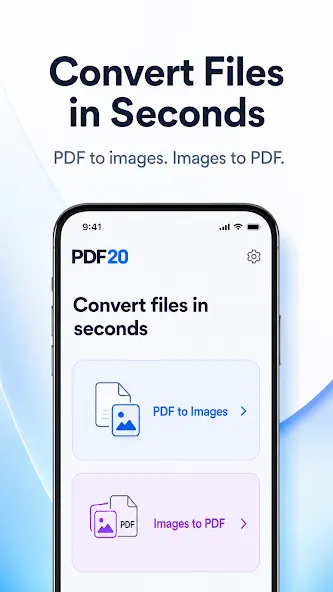
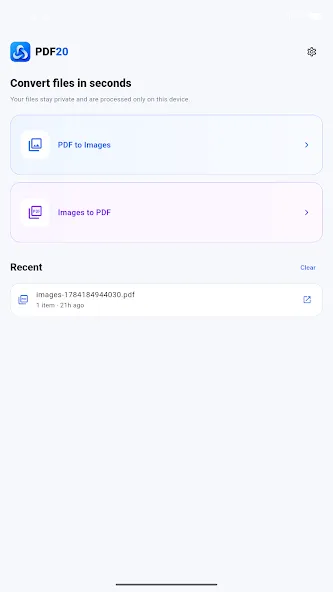
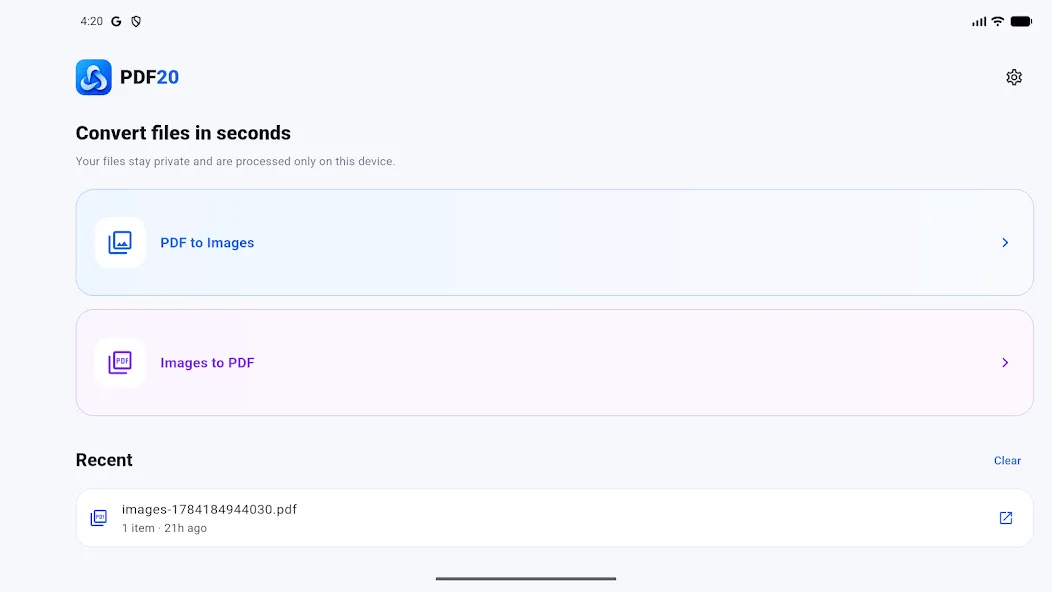
Convert PDF pages to images or combine multiple images into a PDF with a simple Android app.

PDF and image tools on your phone
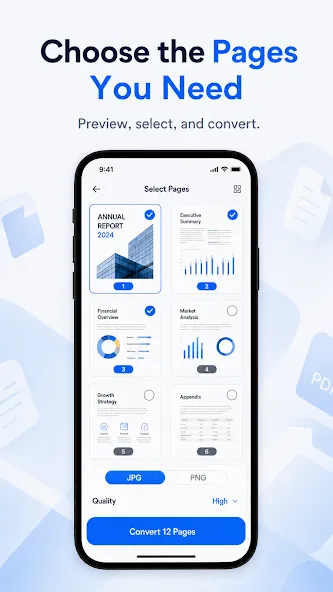
Convert PDF pages to images
Turn selected PDF pages into high-quality JPG or PNG images.
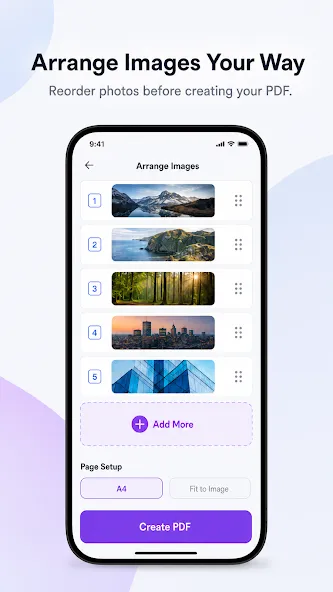
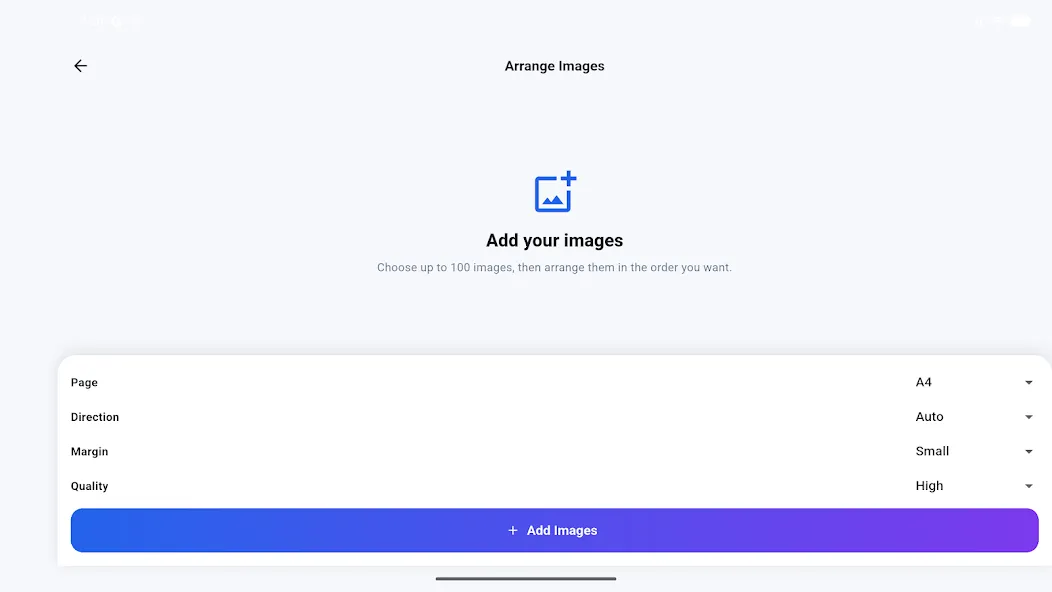
Combine images into PDF
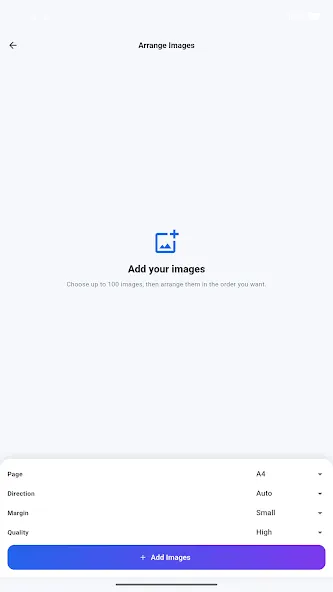
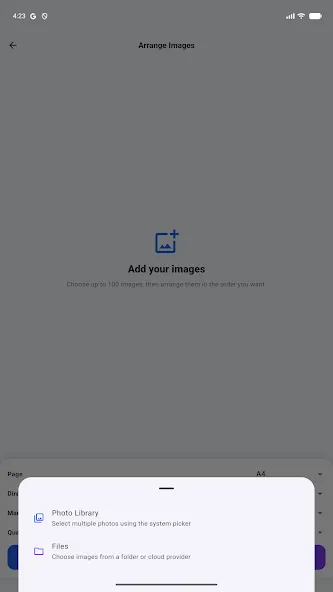
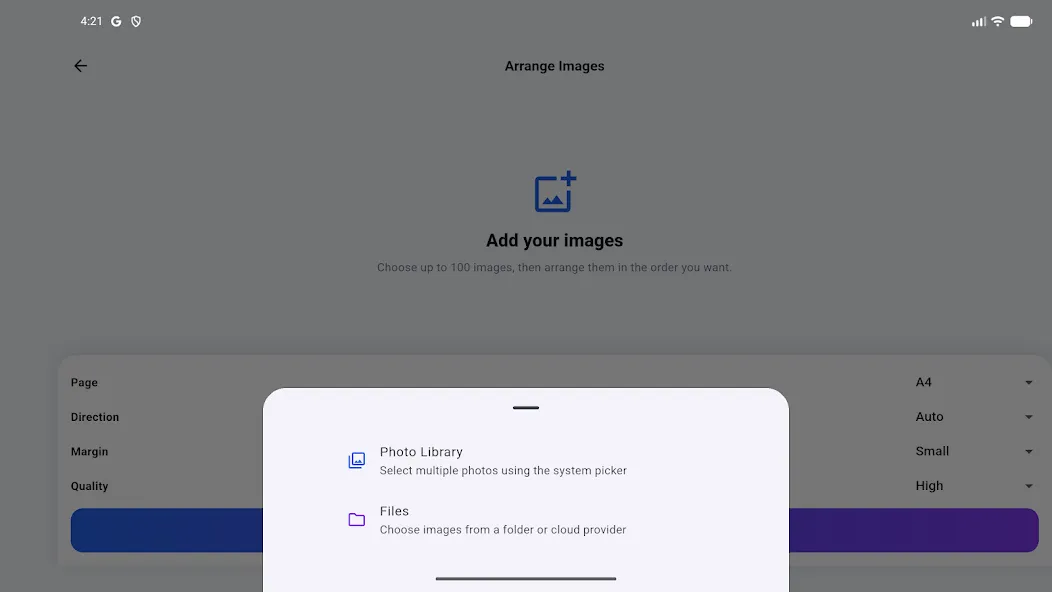
Choose multiple images and create a single PDF document from them.
Preview before converting
Review PDF pages and images before creating the final files.
Arrange images your way
Reorder selected images so the PDF pages appear in the sequence you need.
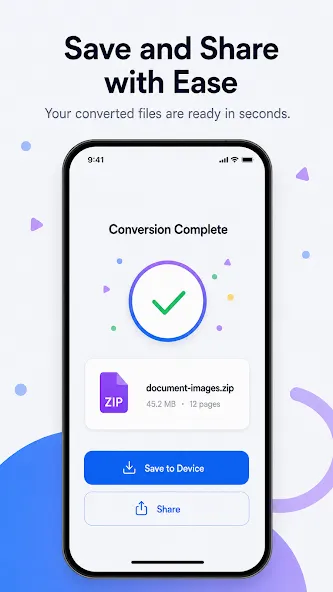
Save and share results
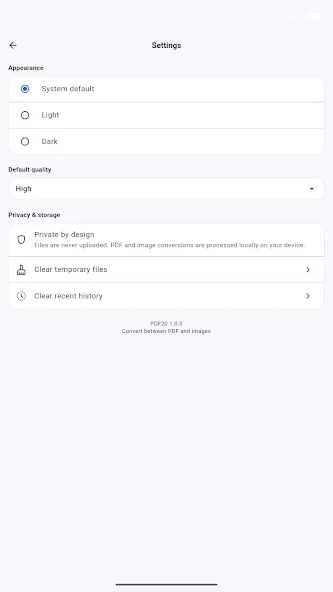
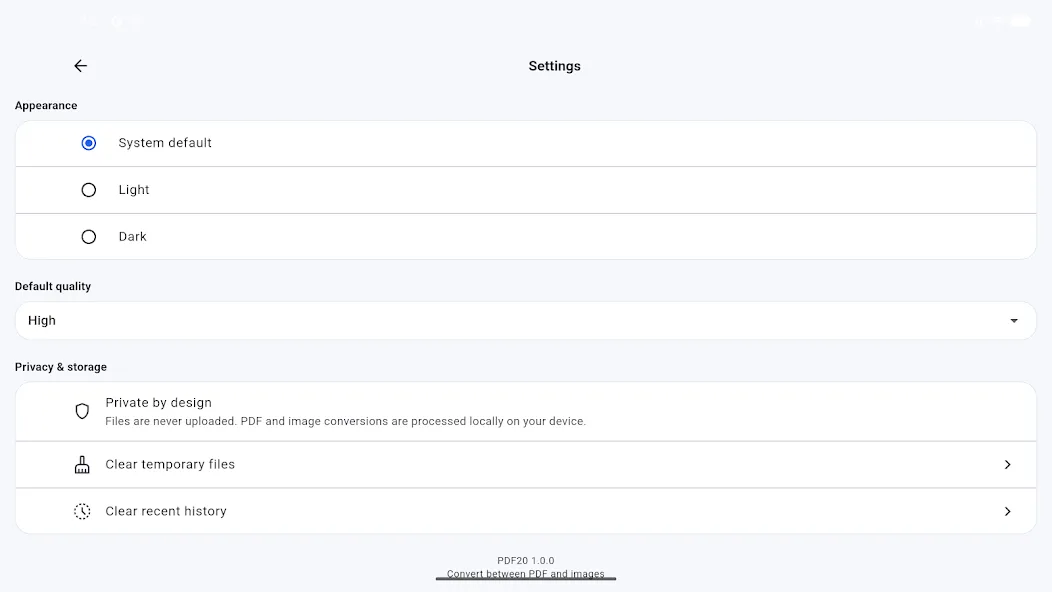
Keep converted files on your device or share them with other Android apps.
How to use the PDF20 mobile app
1. Install PDF20
Open the Google Play listing and install PDF20 on your Android phone or tablet.
2. Choose a conversion
Select PDF to images or images to PDF from the app home screen.
3. Prepare your files
Choose pages or images, preview them, and arrange the content in the required order.
4. Save or share
Create the output, save it to your device, or share it with another app.