
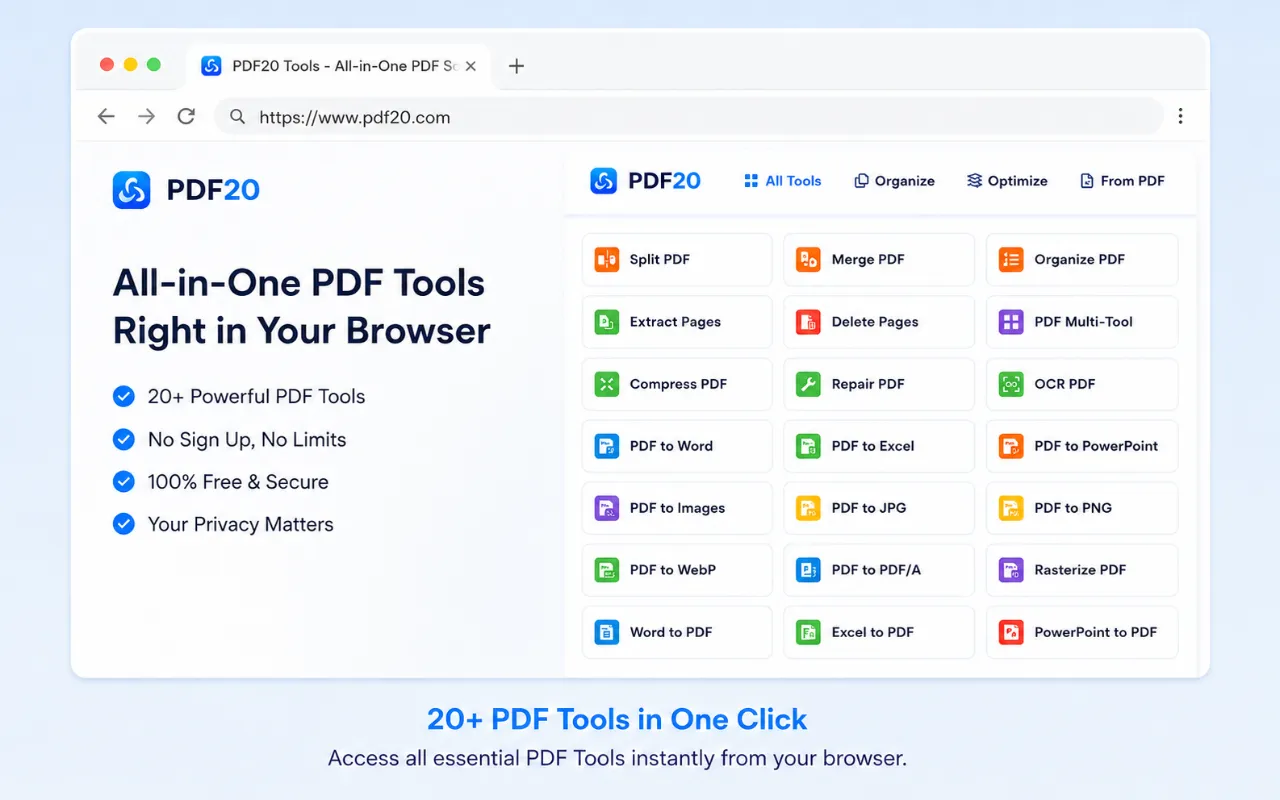
 Split PDF
 Merge PDF
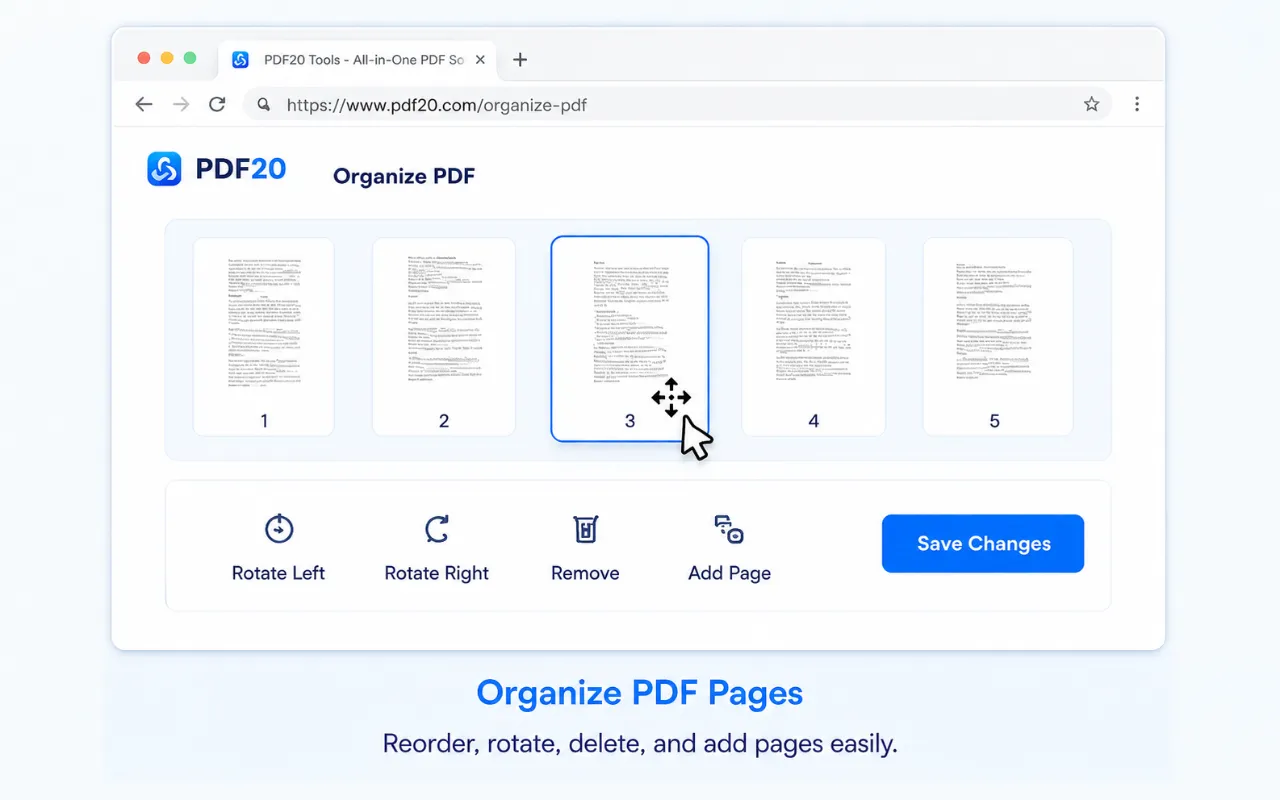
 Organize PDF
 Extract Pages
 Delete Pages
 PDF Multi Tool
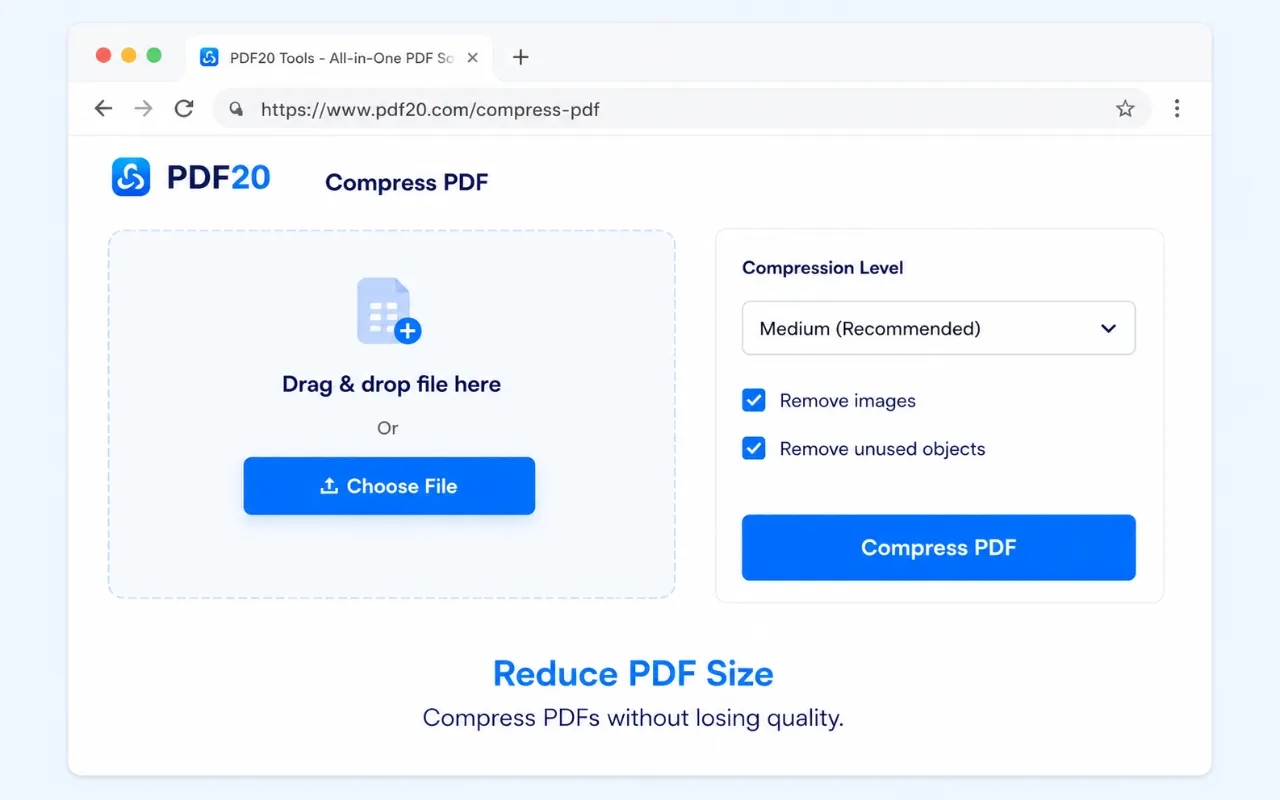
 Compress PDF
 Repair PDF
 OCR PDF
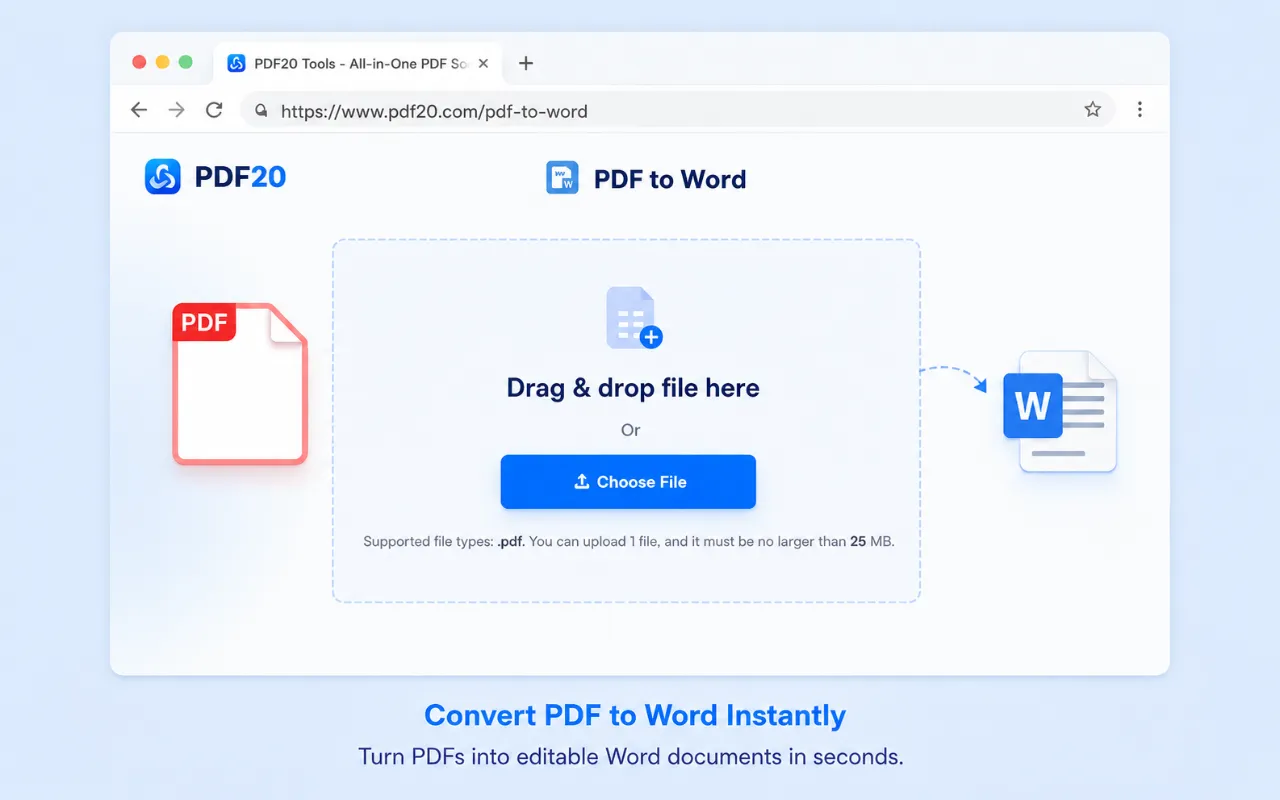
 PDF to Word
 PDF to Excel
 PDF to PowerPoint
 PDF to Images
 PDF to JPG
 PDF to PNG
 PDF to WebP
 PDF to PDF/A
 Rasterize PDF
 Word to PDF
 Excel to PDF
 PowerPoint to PDF
 Images to PDF
 JPG to PDF
 PNG to PDF
 WebP to PDF
 PSD to PDF
 HEIC to PDF
 Markdown to PDF
 EPUB to PDF
 MOBI to PDF
 FB2 to PDF
 CBZ to PDF
 DJVU to PDF
 XPS to PDF
 ODT to PDF
 RTF to PDF
 TIFF to PDF
 Rotate PDF
 Add Page Numbers
 Add Watermark
 Crop PDF
 Form Creator
 Edit PDF
 Protect PDF
 Unlock PDF
 Sign PDF
PDF20 Browser Extension
Use the PDF20 tool anytime with the Chrome, Edge, or Firefox browser extension.



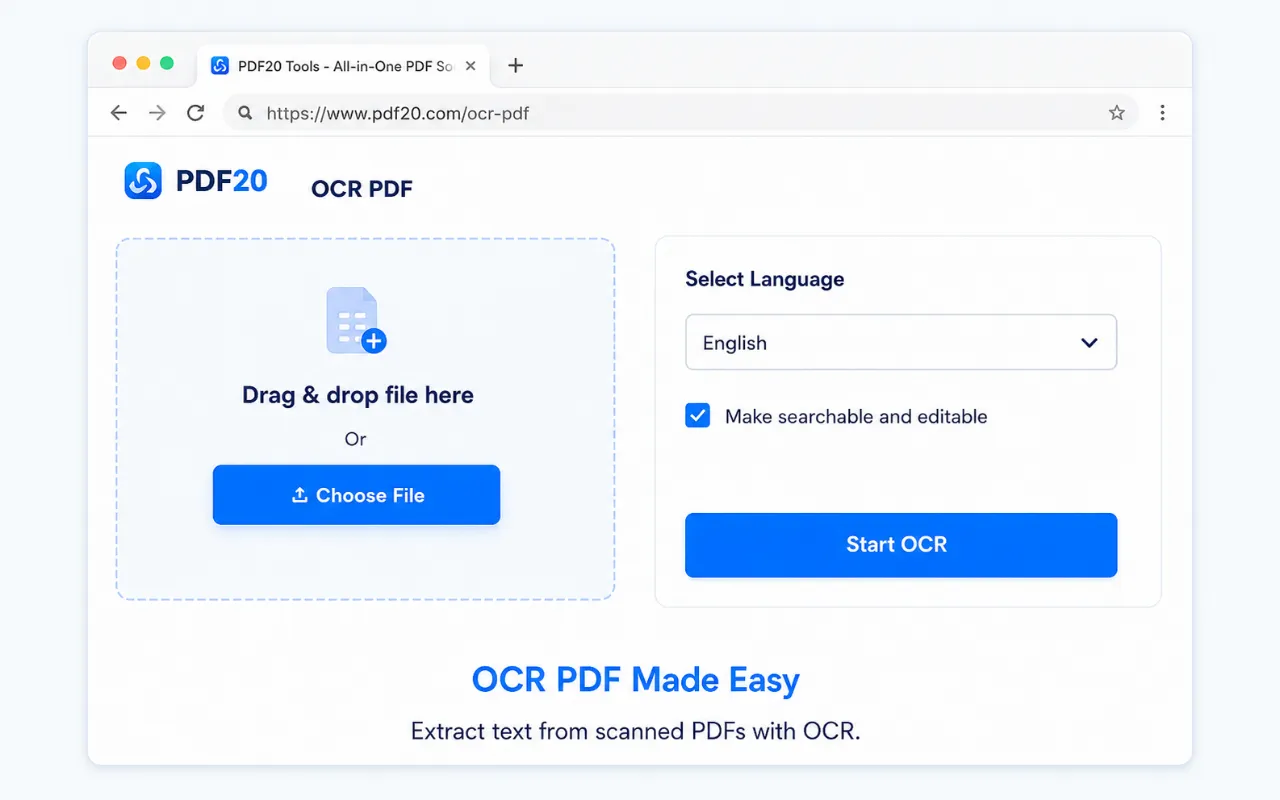
How to use the browser extension
1. Install the extension
Open the Chrome Web Store or Microsoft Edge Add-ons listing and add PDF20 to your browser.
2. Open PDF20 from the toolbar
Click the extension icon when you need a PDF tool.
3. Choose a tool
Pick a converter, compressor, merge tool, editor, signer, or another PDF workflow.
4. Process and download
Choose files from your device, adjust settings, and download the result.