
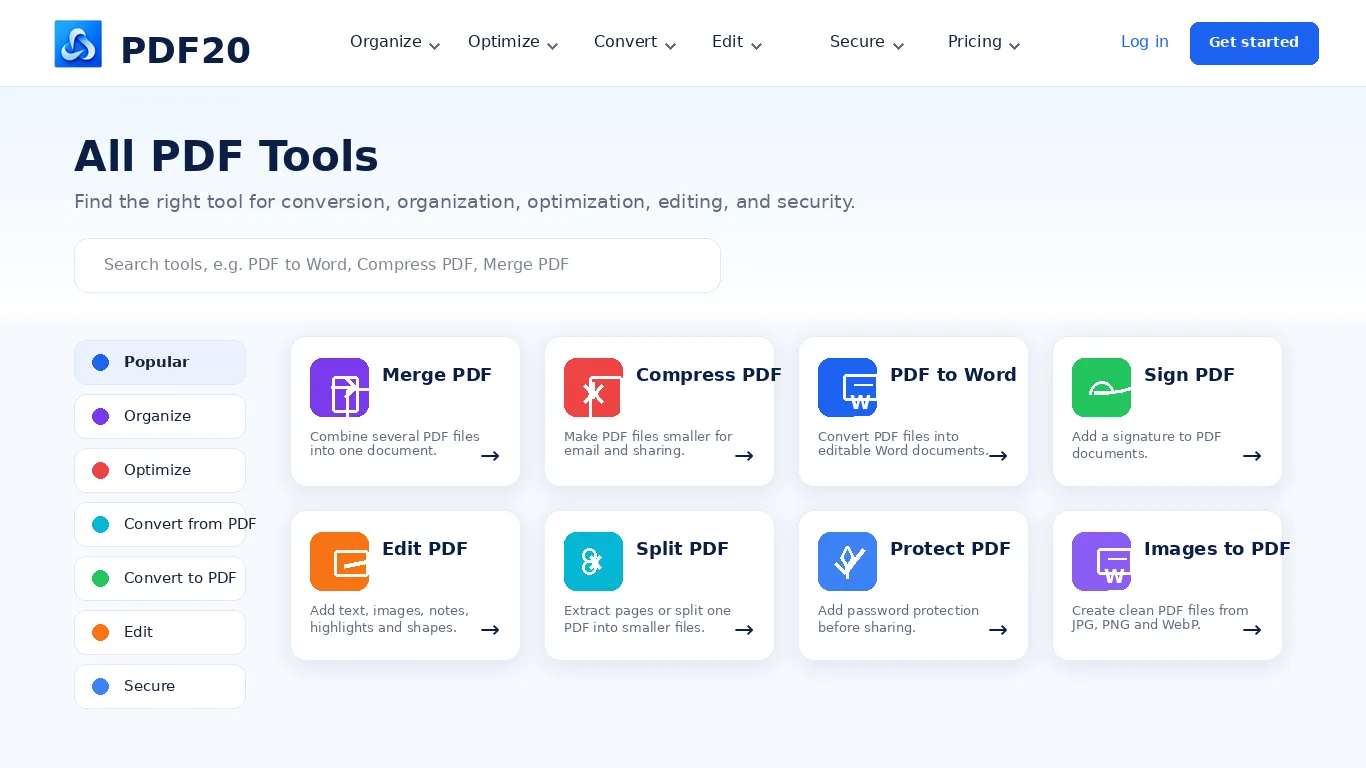
 Split PDF
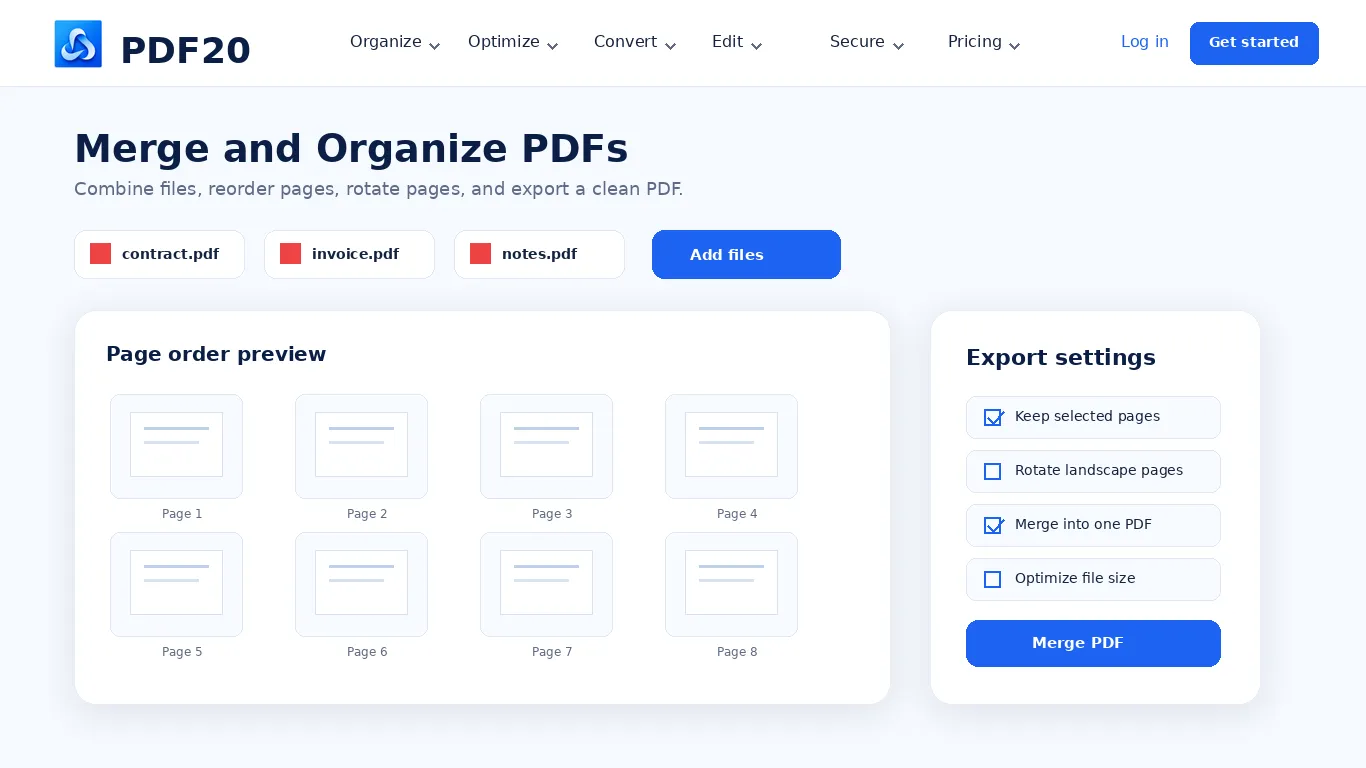
 Merge PDF
 Organize PDF
 Extract Pages
 Delete Pages
 PDF Multi Tool
 Compress PDF
 Repair PDF
 OCR PDF
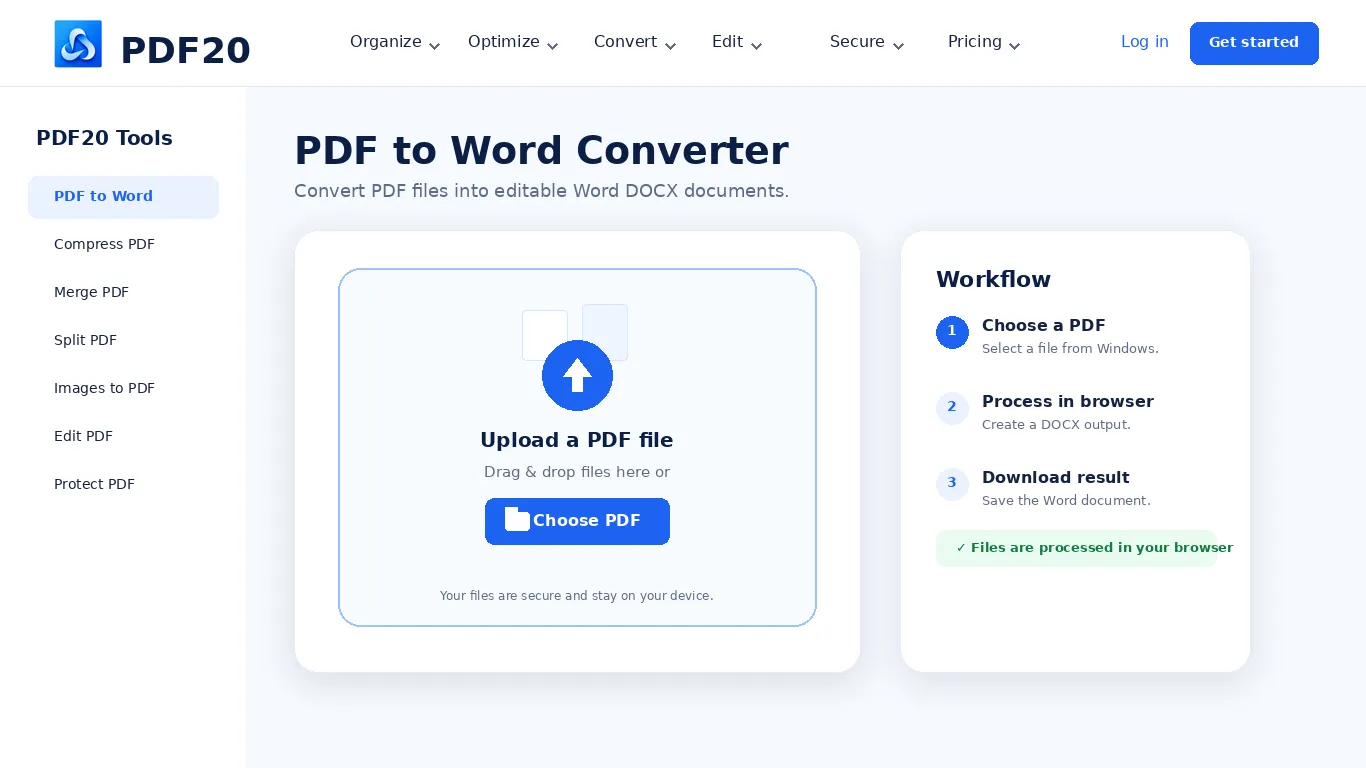
 PDF to Word
 PDF to Excel
 PDF to PowerPoint
 PDF to Images
 PDF to JPG
 PDF to PNG
 PDF to WebP
 PDF to PDF/A
 Rasterize PDF
 Word to PDF
 Excel to PDF
 PowerPoint to PDF
 Images to PDF
 JPG to PDF
 PNG to PDF
 WebP to PDF
 PSD to PDF
 HEIC to PDF
 Markdown to PDF
 EPUB to PDF
 MOBI to PDF
 FB2 to PDF
 CBZ to PDF
 DJVU to PDF
 XPS to PDF
 ODT to PDF
 RTF to PDF
 TIFF to PDF
 Rotate PDF
 Add Page Numbers
 Add Watermark
 Crop PDF
 Form Creator
 Edit PDF
 Protect PDF
 Unlock PDF
 Sign PDF
PDF20 Desktop App for Windows
Keep everyday PDF tools within easy reach on your Windows PC.
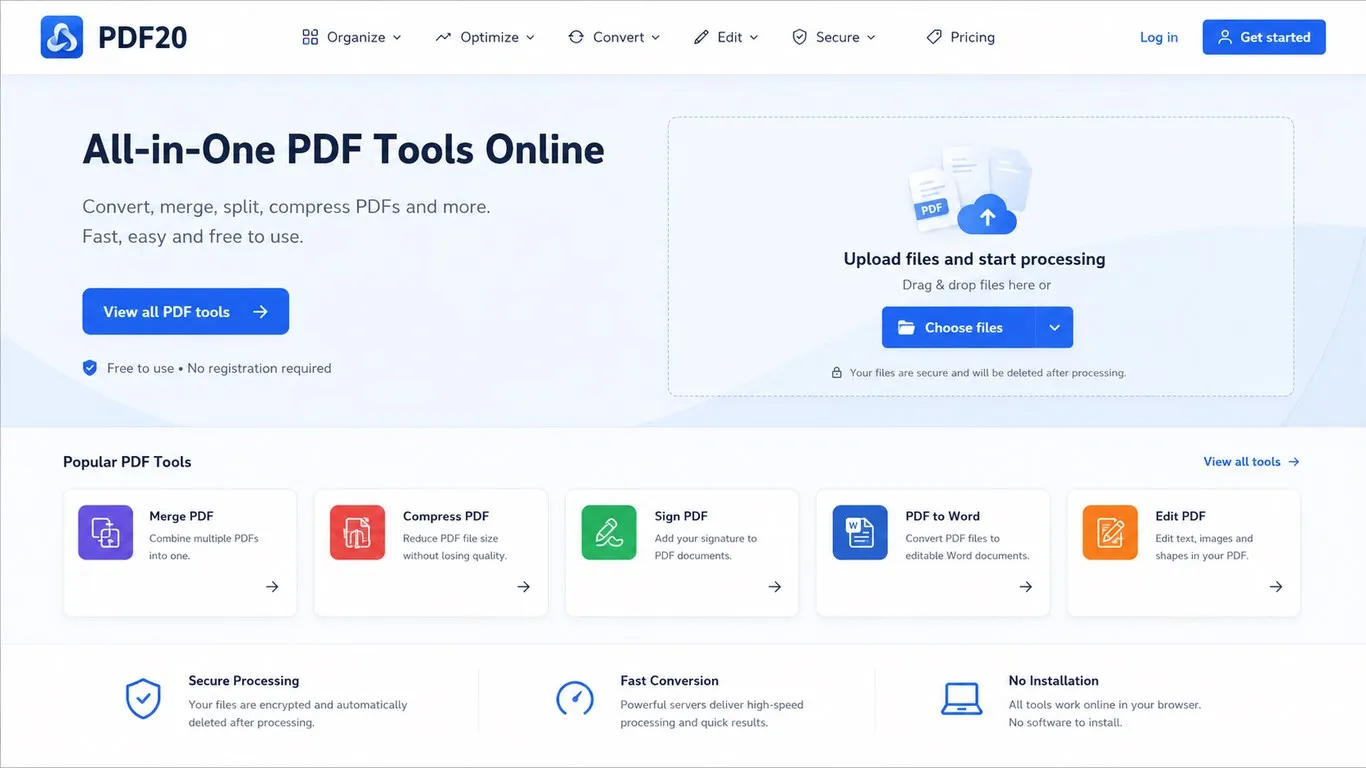
Everyday PDF tools in one Windows app
Convert PDFs to Word, Excel, PowerPoint, images, PDF/A, and other supported formats.
Create PDFs from office files, JPG, PNG, WebP, HEIC, EPUB, XPS, and more.
Merge, split, extract, delete, rotate, and reorder pages for a cleaner document.
Reduce PDF size for email, uploads, sharing, or storage.
Add edits, signatures, watermarks, and crops with the available PDF tools.
Add supported password protection or remove it when you have authorized access.
Privacy-first document handling
For supported tools, files are processed locally in the app browser environment instead of being uploaded to PDF20 servers. Some features may still require an internet connection to load the app or access online services.
System requirements
Windows 10 version 19041.0 or higher.
How to use the PDF20 Desktop App
Open the Microsoft Store listing and install PDF20 on a supported Windows PC.
Launch the app from the Start menu or your installed apps list.
Select the conversion, organization, optimization, editing, OCR, or security workflow you need.
Add your files, adjust the available settings, process the task, and save the result.